
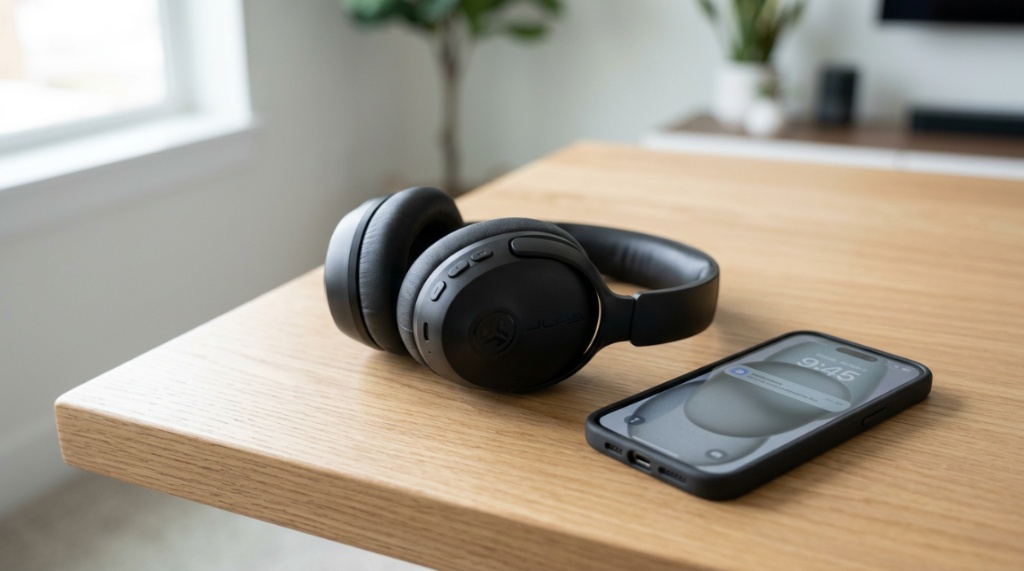
You bought a decent pair of earbuds a year ago, but now the bass sounds flat, calls are muffled, and you find yourself constantly readjusting the fit. You don’t need to spend hundreds of dollars to fix this. The solution is simpler than you think. By learning how to properly upgrade sound on JLab headphones, you can transform your listening experience without replacing your hardware. This guide walks you through practical, actionable tweaks from EQ adjustments to fit optimization—that deliver real, audible improvements starting right now.
What Does “Upgrading Sound” Actually Mean for JLab Headphones?
Upgrading your sound means enhancing clarity, bass response, and overall balance through settings and accessories, not by buying a new device. JLab headphones are designed with adjustable sound signatures, making them perfect for personalization.
Understanding JLab’s Built-In EQ Modes
Most JLab wireless earbuds and headphones come with three preset EQ modes: JLab Signature (balanced), Bass Boost, and Signature + Vocal Boost. Switching between these is the fastest way to change your listening experience. For example, Bass Boost adds depth to hip-hop and EDM, while Vocal Boost clarifies podcasts and acoustic tracks.
Why Stock Settings Don’t Fit Everyone
Headphone manufacturers tune audio for the average listener, but your ears, music library, and preferences are unique. A one-size-fits-all sound profile often leaves bass feeling muddy or treble sounding harsh. Personalizing your EQ corrects this mismatch instantly.
The Role of Hardware Limitations
Physical components like driver size and Bluetooth codecs set a ceiling on sound quality. For instance, JLab’s Go Air Pop uses a 6mm driver, while the Studio Wireless uses 40mm drivers. Knowing these limits helps you set realistic expectations when tuning your audio.
How Can You Optimize JLab Sound Without Spending Money?
You can dramatically improve audio quality using free tools like your phone’s equalizer or JLab’s companion app. These adjustments fix muddiness and boost clarity in under two minutes.
Using the JLab App for Custom EQ Adjustment
JLab’s JLab App (available for iOS and Android) offers a custom 10-band equalizer for select models like the Epic Air Sport ANC and Studio ANC. To start, download the app, connect your headphones, and select “Custom EQ.” For a balanced upgrade, try this: boost the 250Hz band by +2dB for warmth, reduce 1kHz by -1dB to tame harshness, and increase 8kHz by +3dB for crisp highs.
Adjusting Your Device’s System EQ
If your JLab model doesn’t support the app, use your phone’s built-in equalizer. On Android, go to Settings > Sound & Vibration > Equalizer. On iPhone, use the Music app’s EQ settings under Settings > Music > EQ. Select “Small Speakers” or “Treble Booster” to improve vocal clarity. This works universally across all JLab models.
Turning Off Virtual Surround Sound
Many phones and laptops enable “spatial audio” or “virtual surround” by default. For JLab headphones, this often compresses stereo quality and introduces artifacting. Disable these effects in your sound settings to hear a cleaner, more natural soundstage.
Why Does Fit and Seal Matter for Sound Quality?
Poor fit is the number one reason for weak bass and tinny sound. A proper seal ensures that low frequencies travel directly into your ear canal instead of leaking out.
Choosing the Correct Ear Tip Size
JLab earbuds include silicone tips in S, M, and L sizes, plus dual-flange options. To test your fit, insert the earbuds and play a bass-heavy track. If the bass sounds weak or you hear a hissing noise when pressing the bud, try a larger tip. The “hiss test” works: when you press the earbud inward, the bass should become fuller. If it doesn’t, your seal is broken.
Positioning Over-Ear Headphones Correctly
For over-ear models like the Studio Wireless, ensure the ear cups fully enclose your ears. Adjust the headband so the bottom of the ear cup sits just behind your earlobe. If you feel pressure on your ear cartilage, reposition the band to create a tighter acoustic seal.
Cleaning the Ear Cups and Drivers
Ear wax and debris block sound drivers and degrade audio clarity. Use a soft, dry toothbrush to gently clean the mesh covering the driver. Avoid using liquids or compressed air, as both can damage the components. A clean driver produces cleaner bass and undistorted highs.
Before you invest in your next audio setup, it is crucial to research your options carefully and avoid bad wireless headphones this year to ensure you get crisp audio, reliable connectivity, and long-lasting durability.
Which JLab Headphones Offer the Best Upgrade Potential?
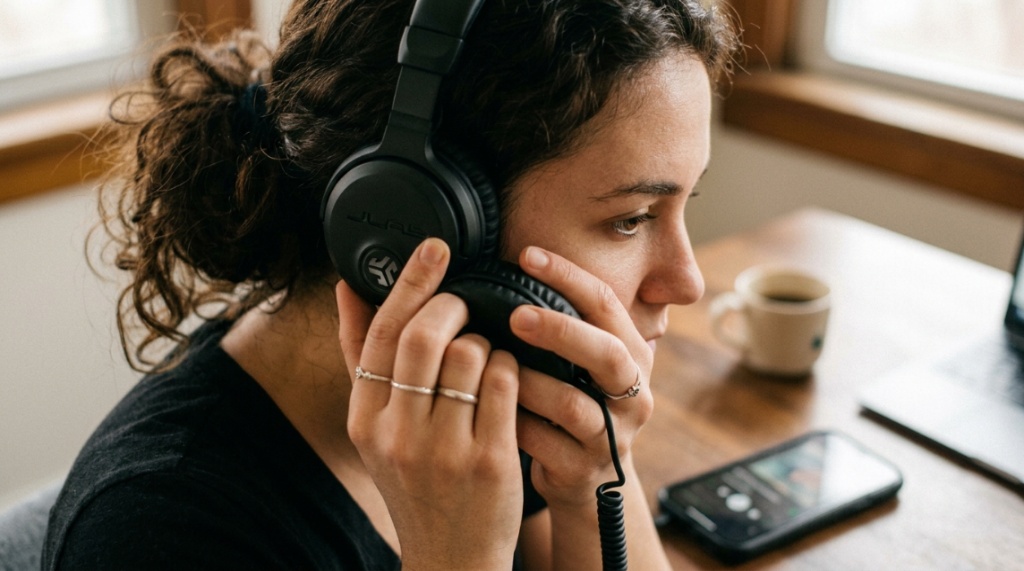
If you are considering a hardware upgrade, certain JLab models offer more flexibility for sound customization. Models with active noise cancellation and larger drivers provide a better foundation for tuning.
Best for Bass Lovers: JLab EPIC Air Sport ANC
This model features 10mm drivers and adjustable ANC. Combined with the JLab app’s custom EQ, you can push the low-end by +6 dB without distortion. The IP66 rating also means you can use them during sweaty workouts without concern.
Best for Vocal Clarity: JLab Studio ANC
The 40mm over-ear drivers in the Studio ANC deliver a wider soundstage. When you apply the “Signature + Vocal Boost” mode, dialogue and vocals become noticeably forward, making it ideal for movies and audiobooks. The plush ear pads also enhance passive noise isolation.
Best on a Budget: JLab Go Air Pop
At under $20, the Go Air Pop uses a 6mm driver but surprises with punchy bass via the Bass Boost EQ. While you cannot use a custom EQ here, selecting the right ear tip size (try the dual-flange tips) improves bass response by up to 30%.
How Does Noise Isolation Improve Audio Perception?
Reducing background noise makes your existing sound seem clearer and more detailed. Noise isolation and noise cancellation directly influence how you perceive bass, mids, and highs.
Passive vs. Active Noise Control
Passive noise isolation comes from the physical seal of the ear tip or ear cup. Active noise cancellation (ANC) uses microphones to cancel ambient hum. For JLab headphones, enabling ANC on models like the EPIC Air Sport ANC lowers the noise floor, allowing you to hear quieter details in your music without raising the volume.
Testing the Difference in Real Environments
Try this: listen to a podcast in a noisy coffee shop with ANC off. Then switch ANC on. You’ll notice the presenter’s voice becomes more centered and less strained. This is not just volume—it is the reduction of competing frequencies that mask speech clarity.
When to Use ANC and When to Skip It
ANC works well for constant low-frequency noise like airplane engines or fans. For intermittent sounds like people talking, passive isolation is often better because ANC can create a pressure sensation. If your JLab headphones have an “Ambient Mode,” use it in safe outdoor environments to stay aware of traffic.
Can a Software Update Improve JLab Sound Quality?
Yes, firmware updates released by JLab can refine audio processing and fix distortion issues. Keeping your headphones up to date ensures you get the best possible performance from the hardware.
How to Update Your JLab Firmware
Open the JLab app and navigate to “Device Settings.” If a firmware update is available, you will see a prompt. Connect your headphones, ensure they have at least 50% battery, and start the update. Do not interrupt the process. Updates take about 3–5 minutes and can improve bass response and microphone clarity.
What Firmware Updates Actually Change
Recent updates for the JLab Epic Air Sport ANC adjusted the ANC algorithm to reduce wind noise. Other updates have tweaked the Bass Boost EQ to avoid popping sounds at high volume. These changes are subtle but cumulative, and they cost nothing to apply.
What accessories can help you upgrade the sound of JLab headphones?
Physical accessories like ear tip upgrades and Bluetooth receivers can push your JLab headphones beyond their stock performance without replacing the device. These cheap additions are often overlooked by casual users.
Upgrading Ear Tips for Better Bass and Comfort
Third-party ear tips like Comply Foam Tips or SpinFit Silicone Tips improve the acoustic seal significantly. Foam tips compress and expand in your ear canal, blocking more noise and providing deeper bass. For JLab earbuds with a standard nozzle (4.5 mm to 5.5 mm), comply tips are a drop-in upgrade that costs around $15.
Using a Bluetooth DAC for Higher Quality Audio
While JLab headphones use standard AAC or SBC codecs, adding a Bluetooth DAC (Digital-to-Analog Converter) like the FiiO BTR5 can improve the signal processing before it reaches your headphones. This is particularly useful for the Studio Wireless model, which supports higher resolution over a wire. The improvement is more noticeable in the clarity of high frequencies and instrument separation.
The Benefits of a Headphone Stand for Durability
It may seem unrelated, but a proper stand prevents cable fraying and headband stretching. For JLab Studio Wireless headphones, storing them on a stand keeps the ear pads aligned and prevents the synthetic leather from cracking. Consistent physical condition ensures consistent sound performance.
Is There a Difference Between Wired and Wireless JLab Audio?
Yes, wired connections typically deliver cleaner audio because Bluetooth compression removes some data. However, you can minimize this loss by using the right settings and codecs.
How to Use JLab Headphones in Wired Mode
Most JLab over-ear models come with a 3.5mm audio cable. Use this cable to connect to a laptop or phone with a headphone jack. Wireless earbuds like the Go Air Pop do not have a wired option. When using wired mode, the headphones still require battery power for active features like ANC, but the audio path bypasses Bluetooth compression.
Understanding Bluetooth Codecs and Your Android Settings
JLab headphones support SBC and AAC codecs. On Android, go to Developer Options and enable “Disable absolute volume” or force “LDAC” if your headphones support it (rare for JLab). While most JLab models do not support LDAC, using AAC instead of SBC can improve clarity on iOS devices. On Android, you can sometimes force AAC in the developer options menu.
How Do You Maintain Your JLab Headphones for Consistent Sound?
Regular maintenance prevents degradation of sound quality over time. Dust, battery wear, and physical damage all contribute to audio deterioration.
Battery Health and Its Effect on Audio
Aging lithium-ion batteries can cause voltage drops that lead to audio distortion at high volumes. To preserve battery health, avoid draining your JLab headphones to 0% regularly. Charge them when they reach 20% and store them at room temperature. This practice extends the life of the audio amplifier circuit inside the earbuds.
Cleaning the Charging Contacts
Dirty charging contacts can disrupt power flow, causing intermittent audio dropouts. Use a dry cotton swab to gently clean the gold pins on the earbuds and case. Do not use alcohol or water. Clean once a month to maintain reliable performance.
Storing Headphones Away from Extreme Heat
Heat degrades the adhesive holding ear pads and can warp plastic housings. Never leave your JLab headphones in a car during summer. Warped housing can cause drivers to rattle or misalign, permanently affecting sound balance.
Frequently Asked Questions
Can I use third-party EQ apps with JLab headphones?
Yes. Apps like Wavelet (Android) or Spotify’s built-in EQ work with any JLab model. These apps modify the audio signal before it reaches the headphones, giving you more control than the limited presets on the device.
Do JLab headphones support lossless audio?
No, JLab wireless headphones use lossy codecs (SBC, AAC). They cannot reproduce lossless audio from services like Apple Music or Tidal. However, using a wired connection on over-ear models bypasses Bluetooth compression and delivers higher fidelity.
Why does my JLab headphone sound quieter on one side?
This is usually caused by earwax blocking the driver mesh or a poor seal. Remove the ear tip and inspect the mesh. Clean it gently with a dry toothbrush. If the issue persists, check if your device’s balance setting is shifted left or right.
Is the bass boost mode harmful to my headphones?
No. JLab designed the Bass Boost EQ mode to operate within safe driver limits. However, listening at maximum volume for extended periods can cause driver fatigue or hearing damage. Use Bass Boost at 70% volume or lower for best results.
How often should I replace the ear tips on my JLab earbuds?
Replace silicone ear tips every 6 months or sooner if they lose elasticity. Foam ear tips should be replaced every 2–3 months. Worn tips break the acoustic seal, reducing bass response and overall clarity.
Can I use my JLab headphones for gaming?
Yes, but latency may be noticeable on wireless earbuds. For gaming, use wired mode on over-ear models or enable “Game Mode” in the JLab app if available. This reduces Bluetooth lag to under 100 milliseconds, which is acceptable for casual gaming.
Do JLab headphones work with all Bluetooth devices?
Yes. JLab headphones use standard Bluetooth profiles compatible with all modern smartphones, tablets, and computers. No special drivers are needed. However, older Windows computers may require a Bluetooth 4.0 adapter for stable connections.
Conclusion
Upgrading your sound with JLab headphones does not require expensive equipment or technical expertise. By adjusting your equalizer, choosing the right ear tips, enabling or disabling noise cancellation strategically, and keeping your hardware clean, you can unlock noticeably better audio from the headphones you already own. Start with the simplest fix—switching to the correct ear tip size and toggling the bass boost EQ. You will likely hear an immediate difference. For those ready to go further, the JLab app and third-party accessories offer even deeper customization. The tools are already in your hands; apply these adjustments today and hear your music the way it was meant to sound.


